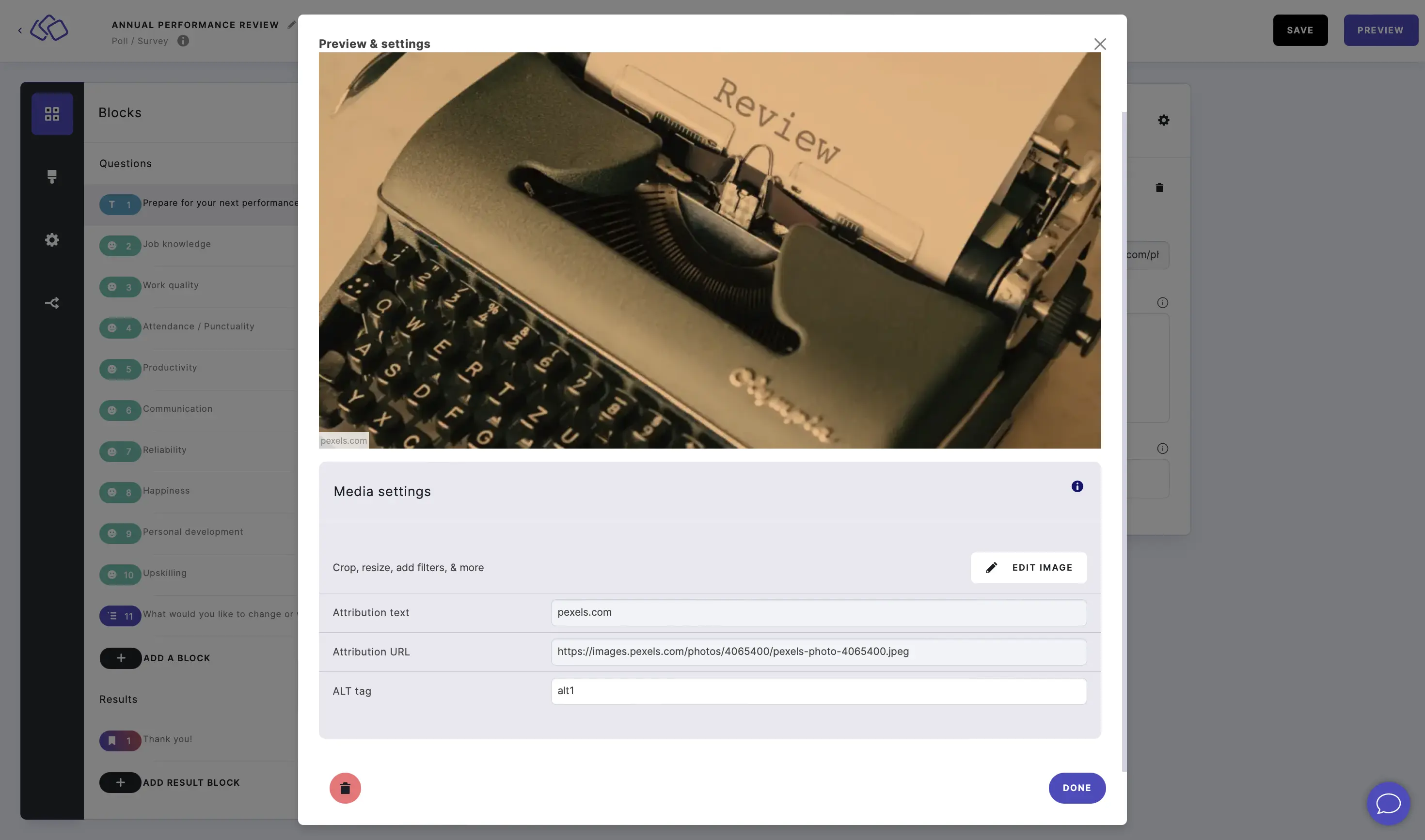
Edit an image
Crop, resize, or adjust images directly within the Riddle Creator without needing external tools. You can also add attribution text and alt tags for accessibility.
- Click on EDIT or on the media itself.
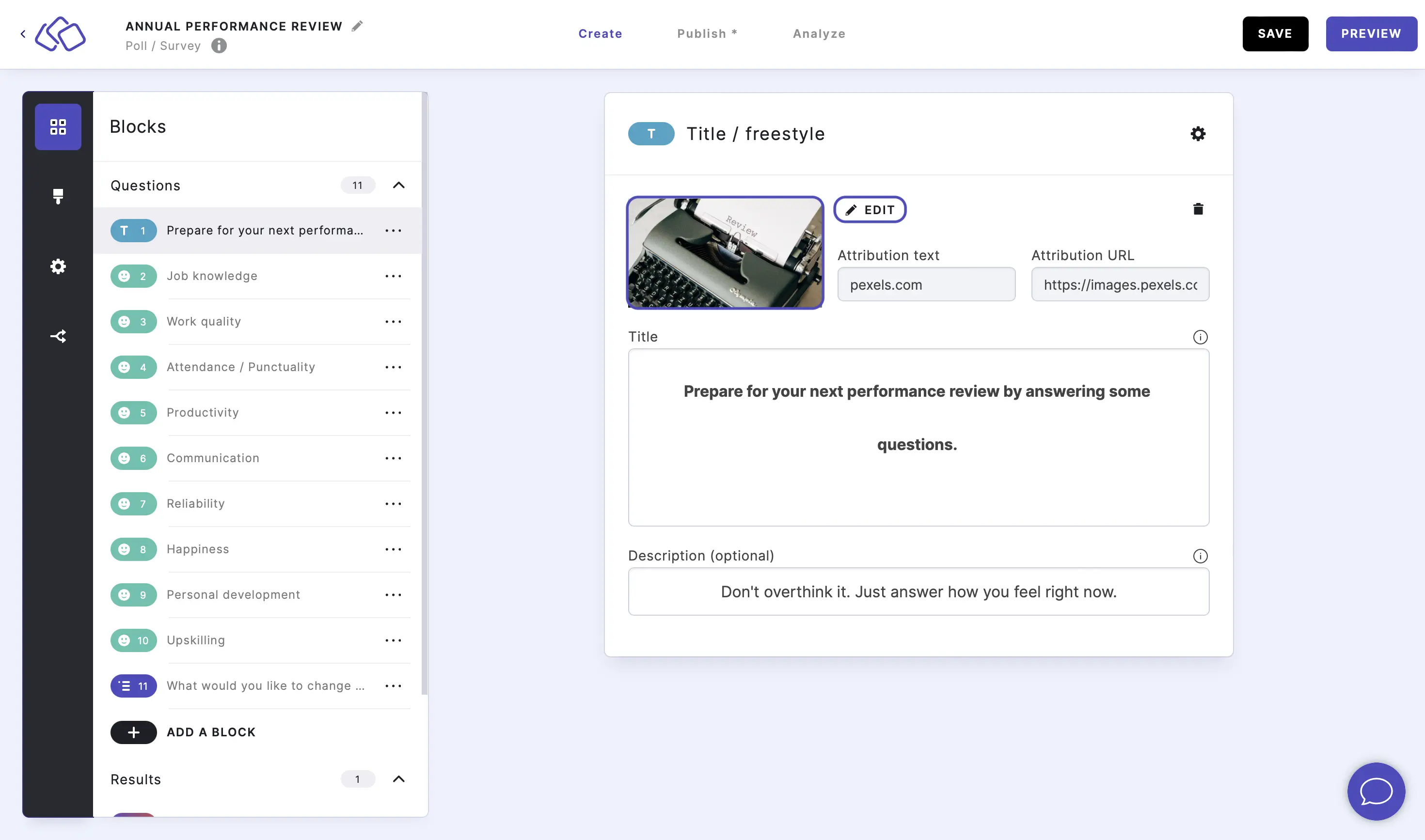
Attribution texts and alt tags can also be changed here. - Click on EDIT IMAGE.
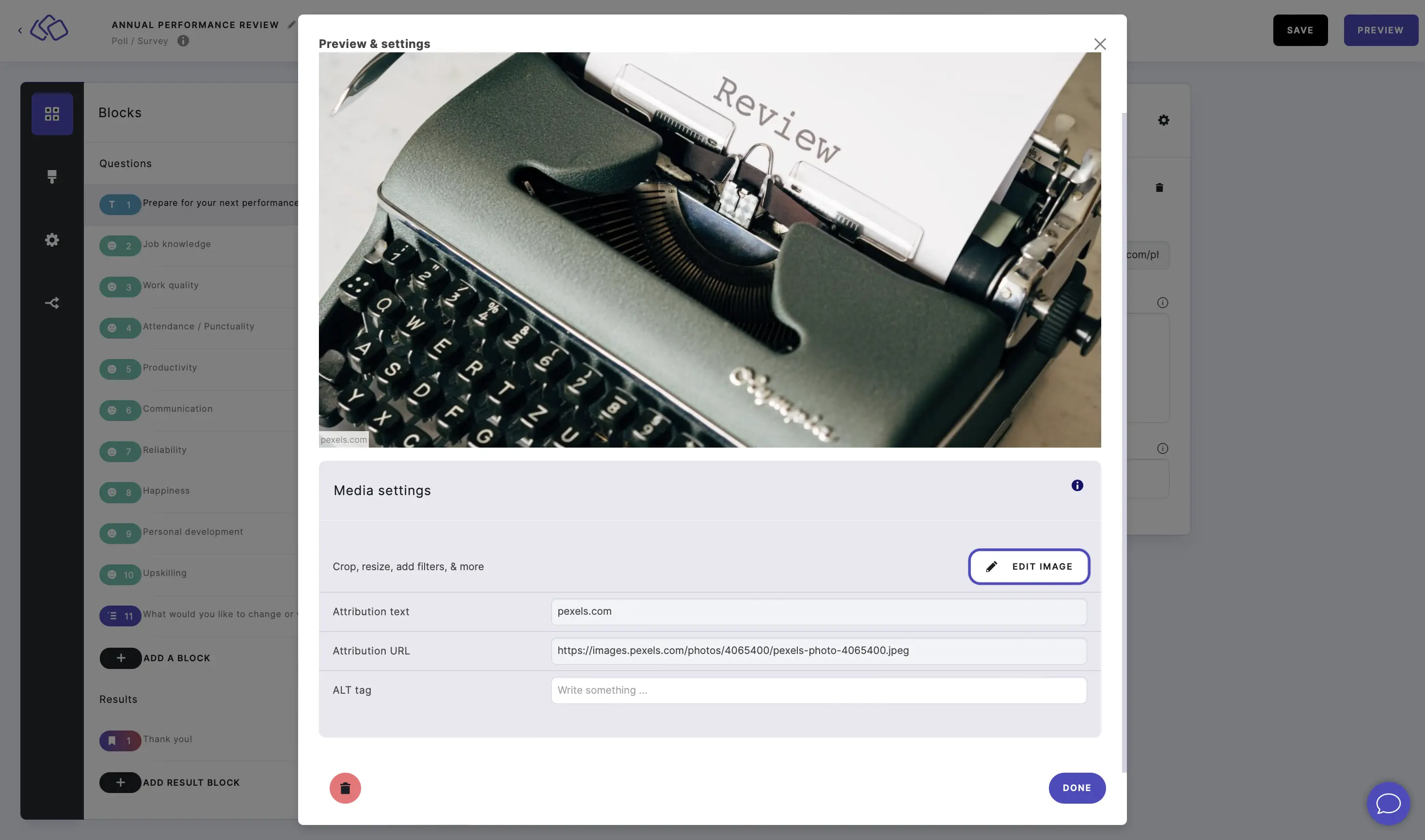
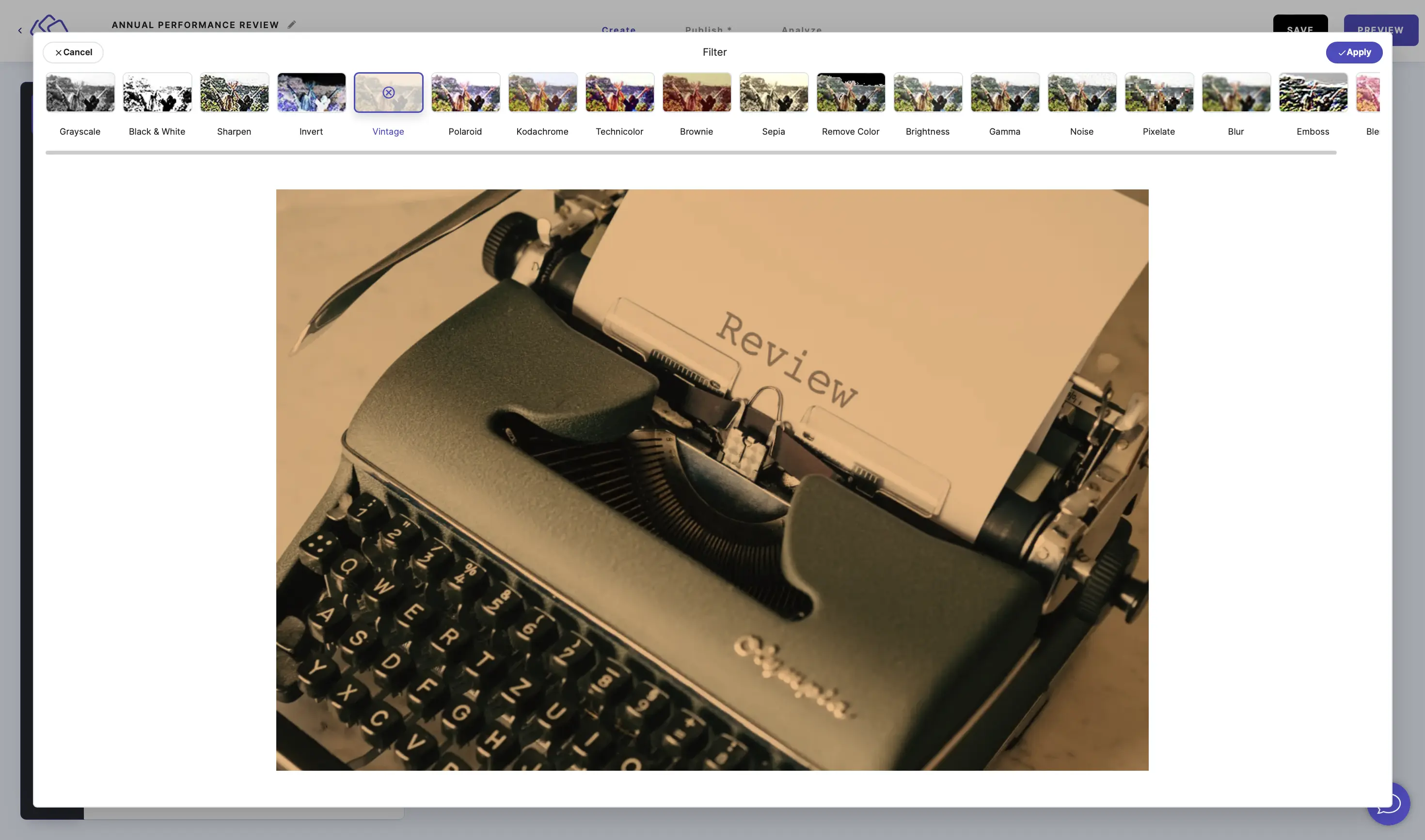
Here you can:- Filter
- Resize
- Crop
- Draw
- Add text
- Add shapes
- Add stickers
- Add frames
- Add corners
- Merge
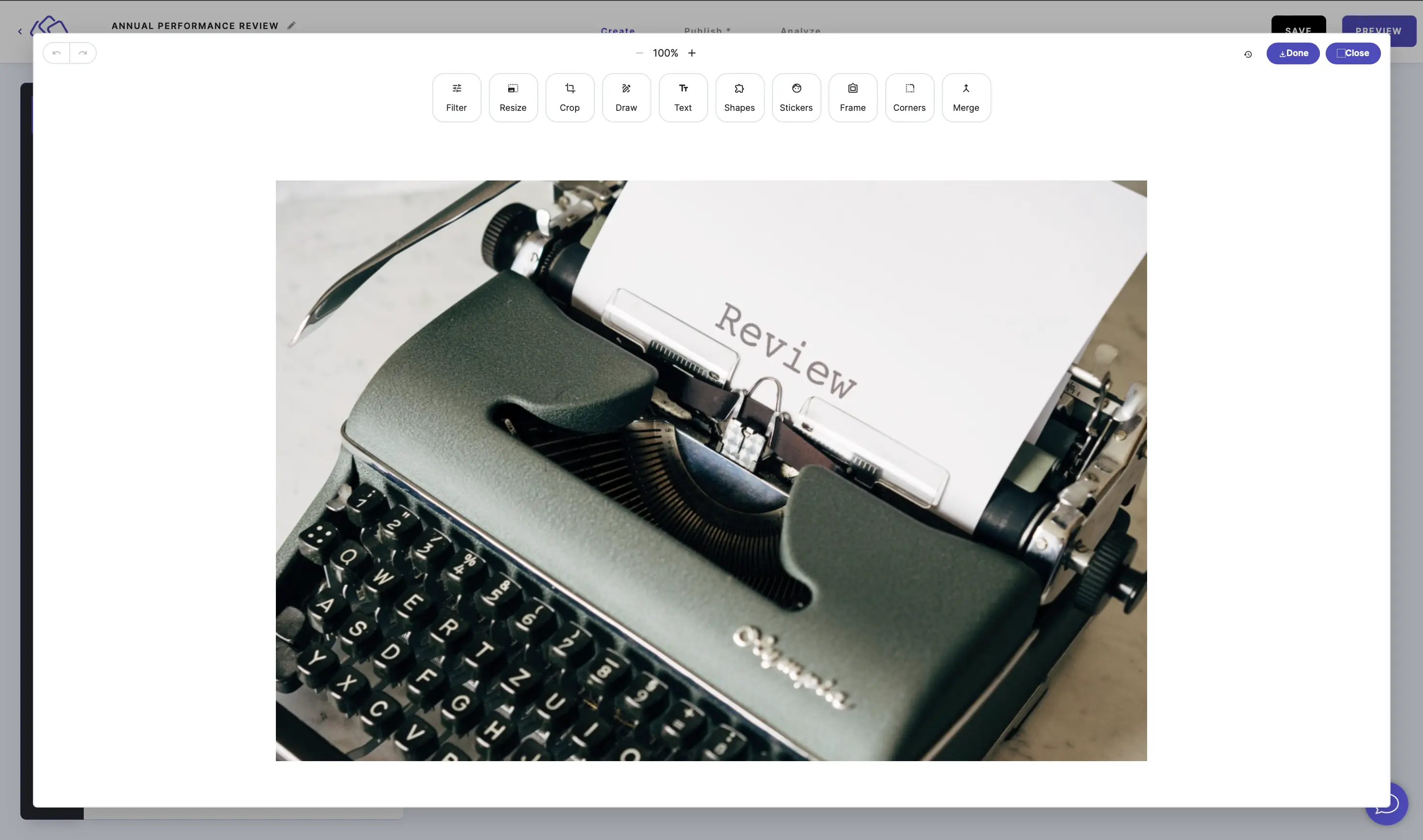
- Click on Apply.
- Click on Done and then Close.
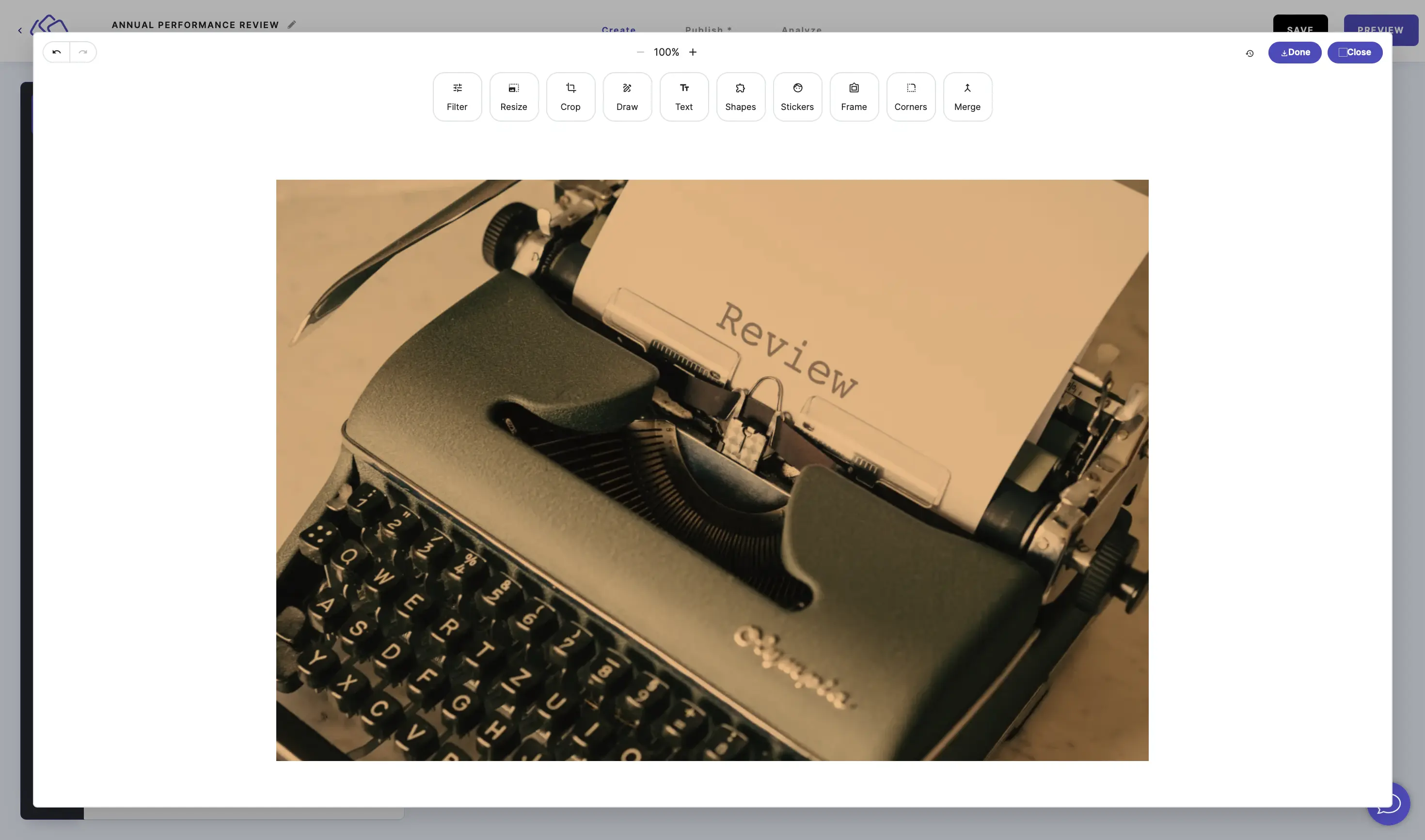
- Click on DONE to save your changes.