Poll and survey blocks overview
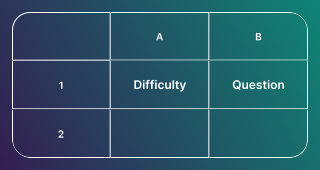
There are 12 poll and survey blocks you can add to your poll or survey. You can combine multiple block types in a single poll or survey.
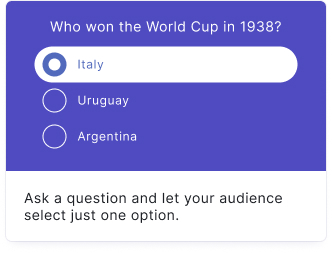
Single-select
Your audience picks one answer from a list of choices.
Learn more about the Single-select block
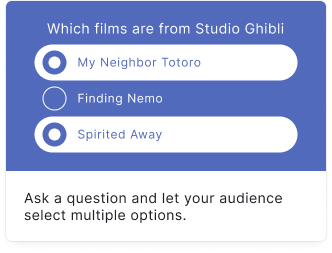
Multi-select
Your audience can pick more than one answer.
Learn more about the Multi-select block
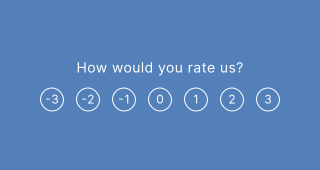
Reaction poll
Collect audience feedback using a slider ranging from strongly disagree to strongly agree.
Learn more about the Reaction poll block
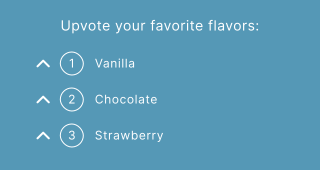
Upvote
A poll combined with a list where your audience upvotes favorites and watches the list reorder by popularity.
Learn more about the Upvote block
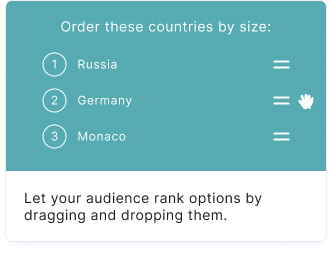
Order it
Let your audience put the answers in their preferred or the correct order.
Learn more about the Order it block
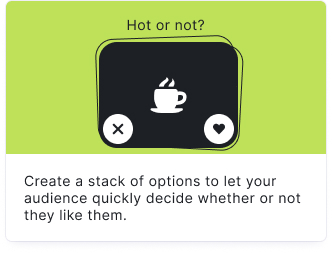
Swiper
Your audience selects their preference by swiping or choosing between options.
Learn more about the Swiper block
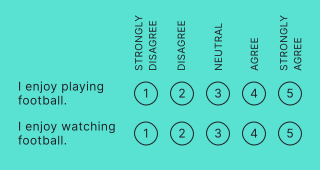
Likert / Matrix
Create a series of statements with scaled response options for structured feedback.
Learn more about the Likert / Matrix block
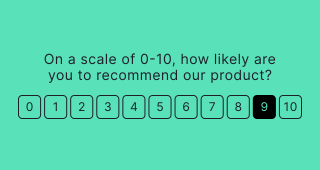
Promoter Score
Ask your audience how likely they are to recommend your product or service using a 0-10 NPS scale.
Learn more about the Promoter Score block
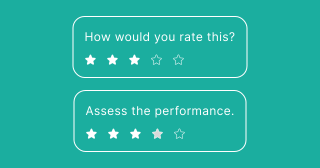
Rate it
Gather quick feedback on multiple items using stars or score ratings.
Learn more about the Rate it block
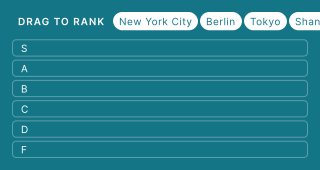
Tier List
Let your audience rank items into customizable tiers by dragging and dropping.
Learn more about the Tier List block
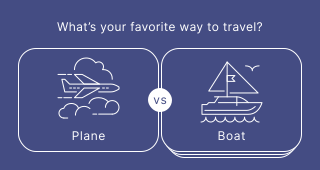
This or That
Your audience chooses between two options at a time until one option wins.
Learn more about the This or That block
Question Bank
Automatically show a random selection of questions from a pre-built database.