

Set up DOI
Double opt-in (DOI) sends a confirmation email after your audience submits a form. Only leads who click the confirmation link are saved as verified. This provides GDPR compliance, prevents fake submissions, and results in a higher-quality subscriber base with lower unsubscribe rates.
Three DOI methods are available: confirmation email (click a link), OTP via email (enter a code), and OTP via SMS (enter a code sent by text). Use email confirmation for standard opt-in flows, OTP for higher security.
- Go to the PUBLISH step and click on Privacy / Opt-in.
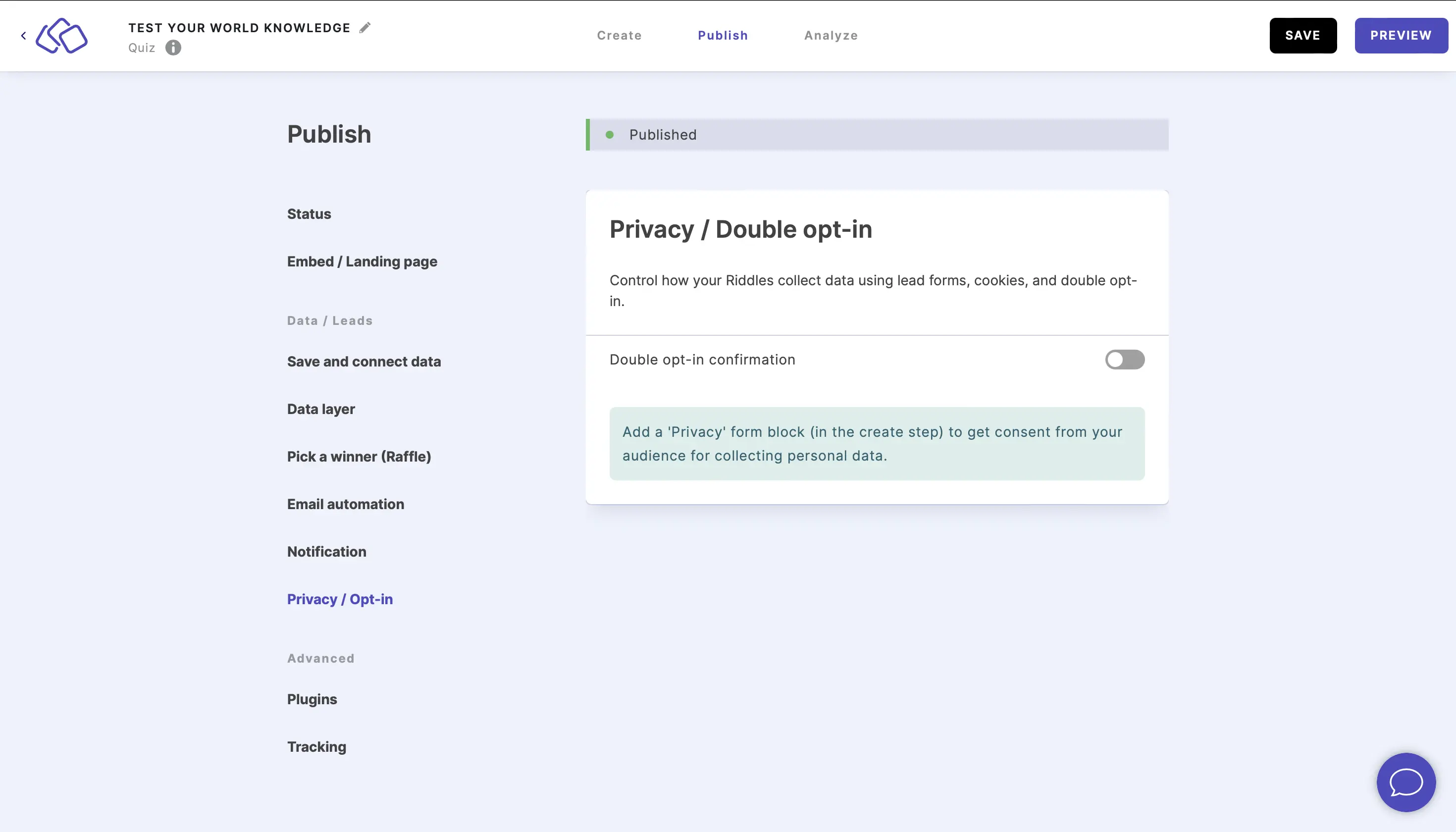
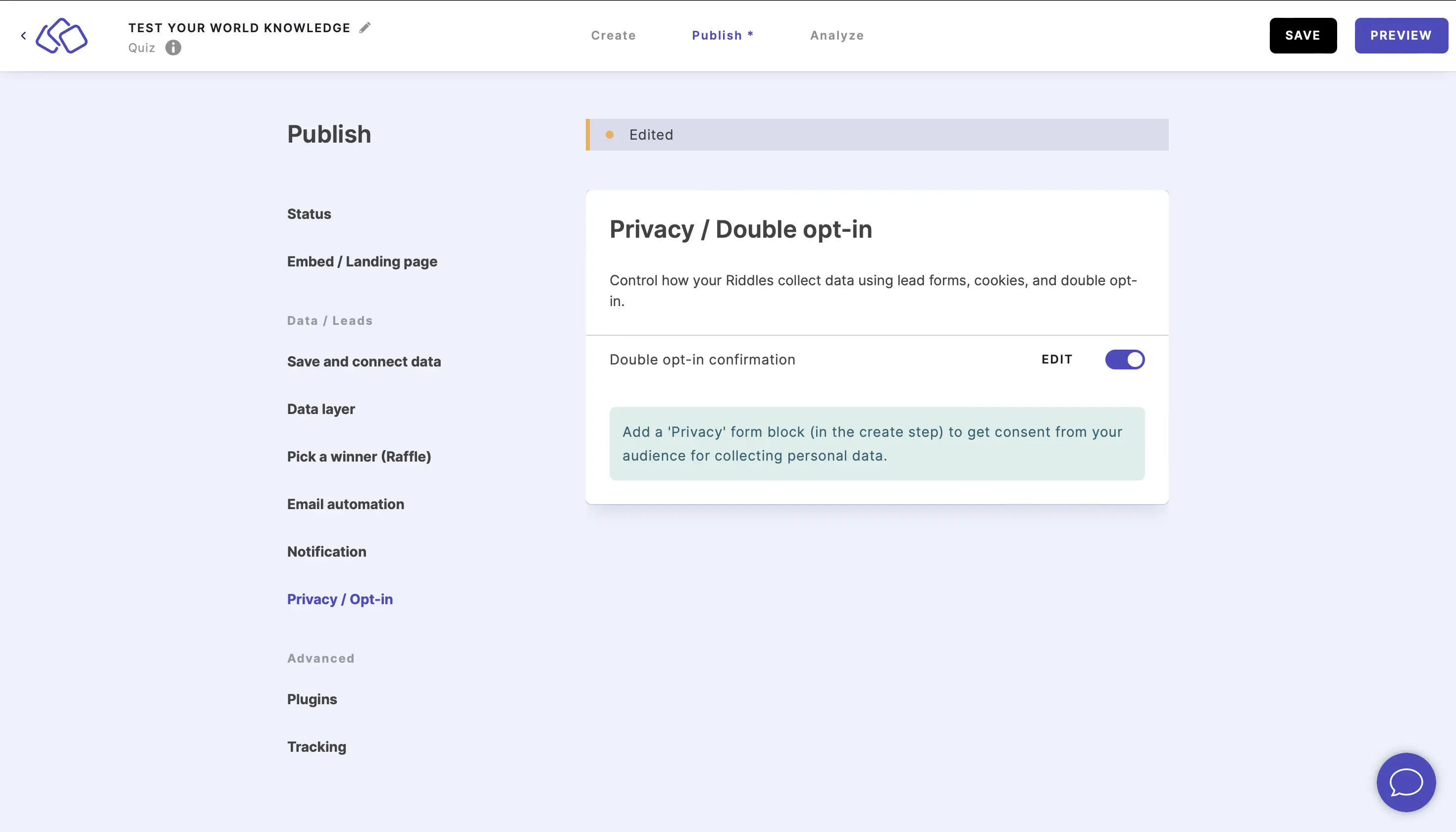
- Enable the Double opt-in confirmation button.
- If you would like to send the email from your own server rather than Riddle's, enable SMTP.
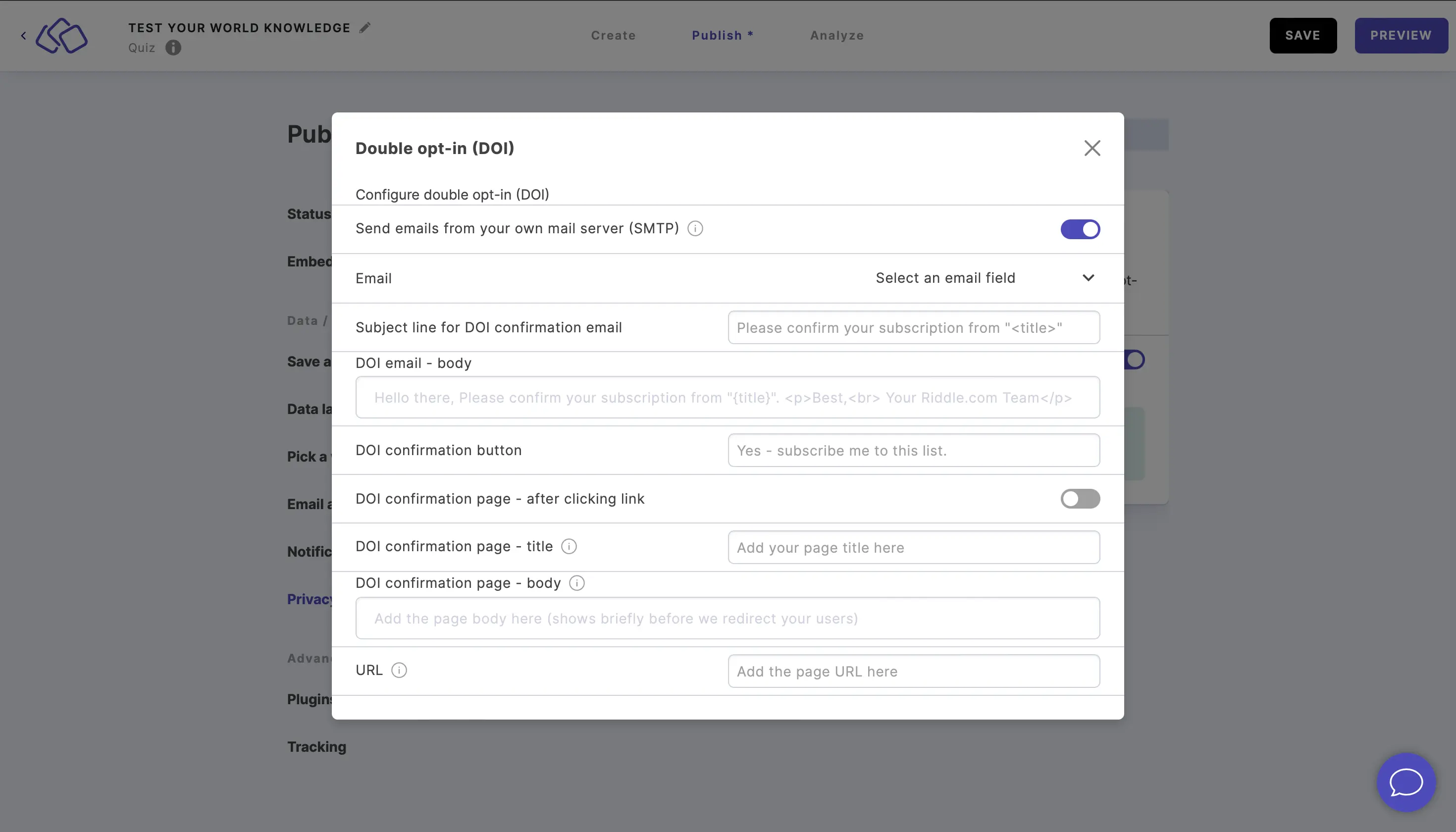
- In the popup window, fill out all the fields.
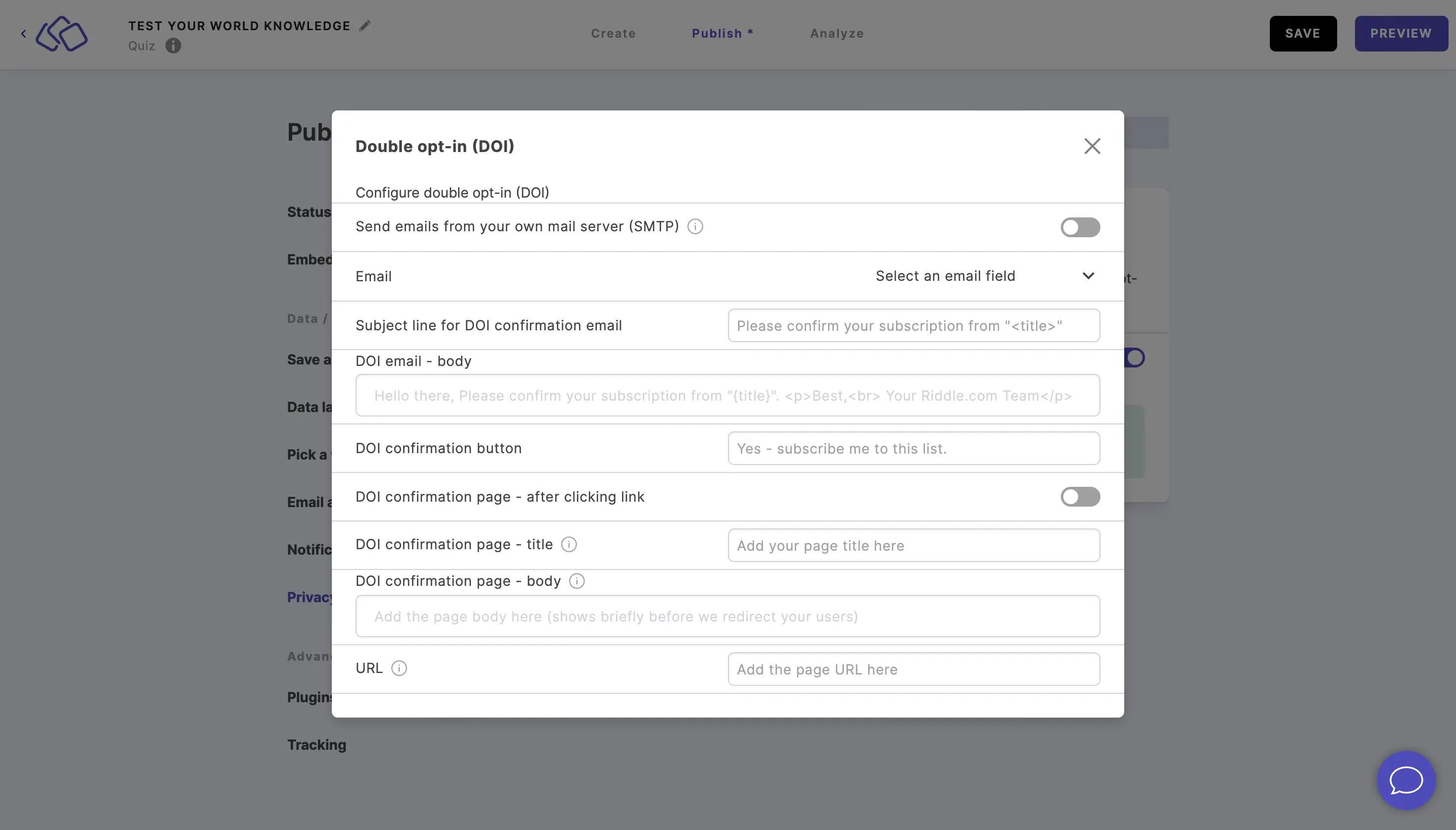
- Your audience will then receive an email to confirm their consent that lead data is being collected.