

Wheel of fortune
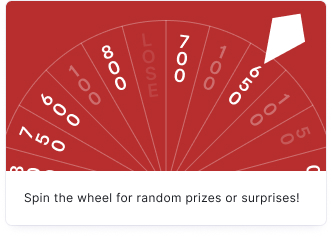
Your audience spins the wheel for random prizes or surprises. The Wheel of Fortune is ideal for raffles, coupon giveaways, and promotions where you want to reward your audience with randomized outcomes.
Setup
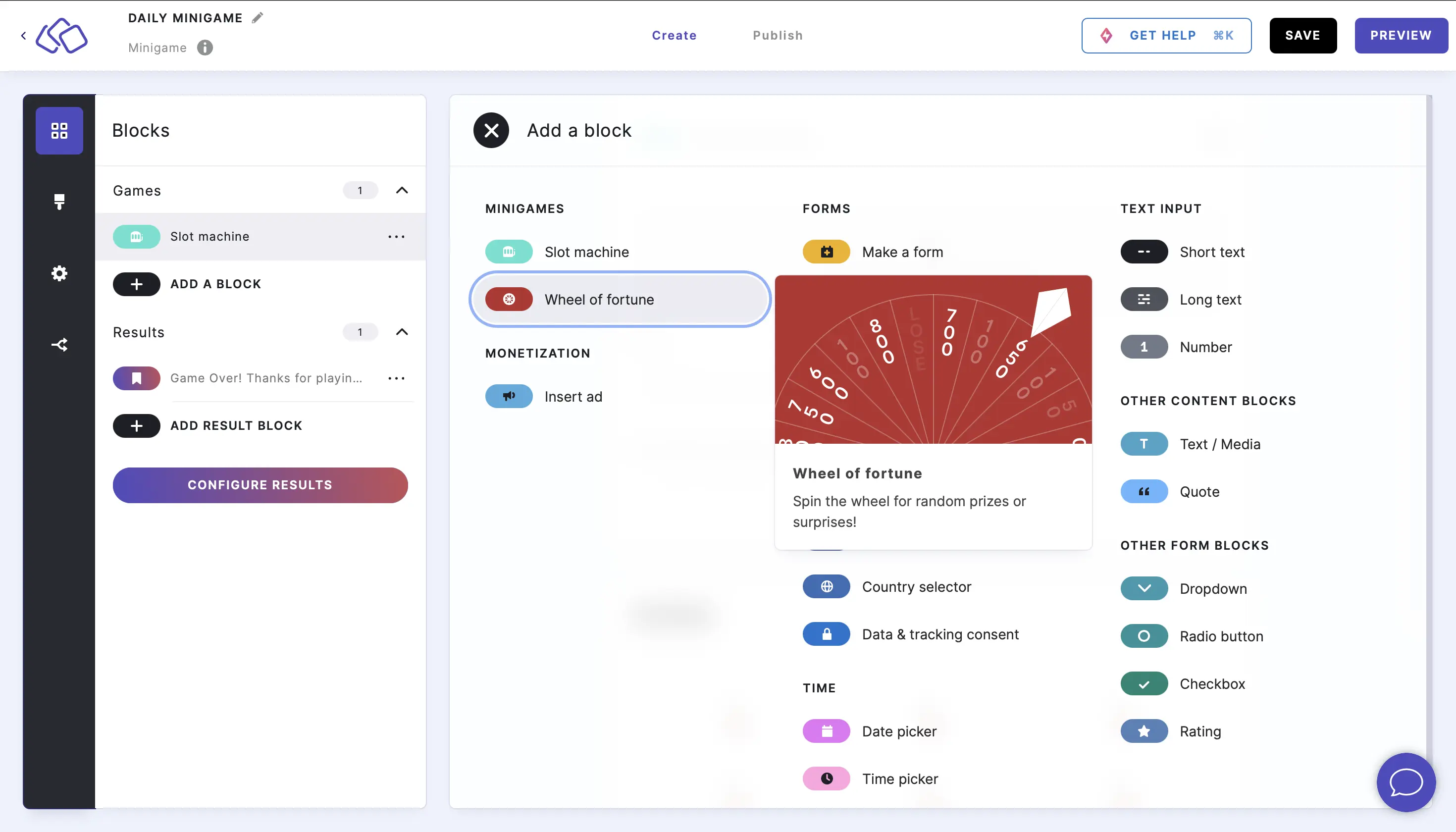
- Click on ADD A BLOCK and select Wheel of fortune.
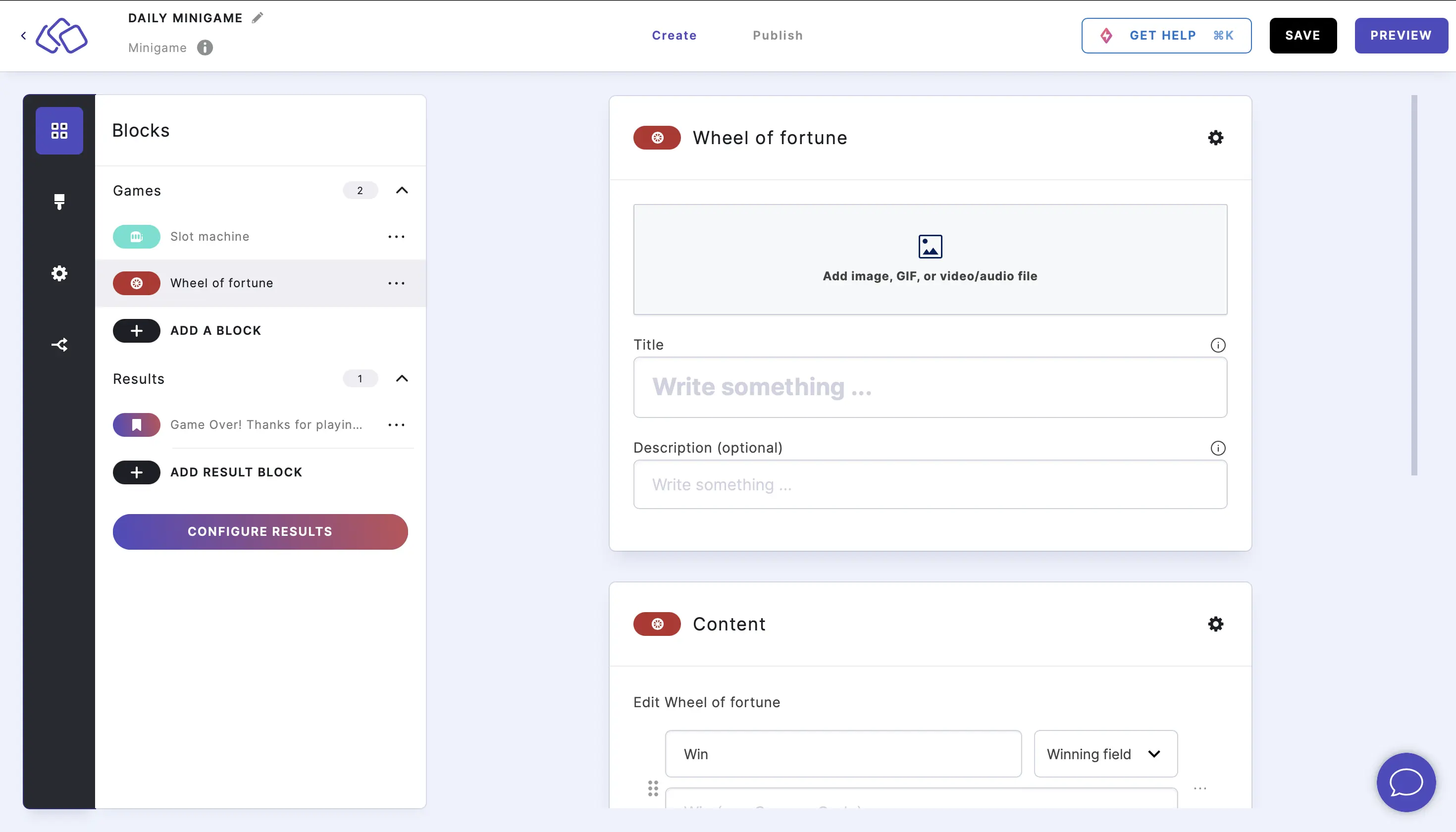
- Enter a title and description, and add an image by clicking on Add image, GIF, or video/audio file (all optional).
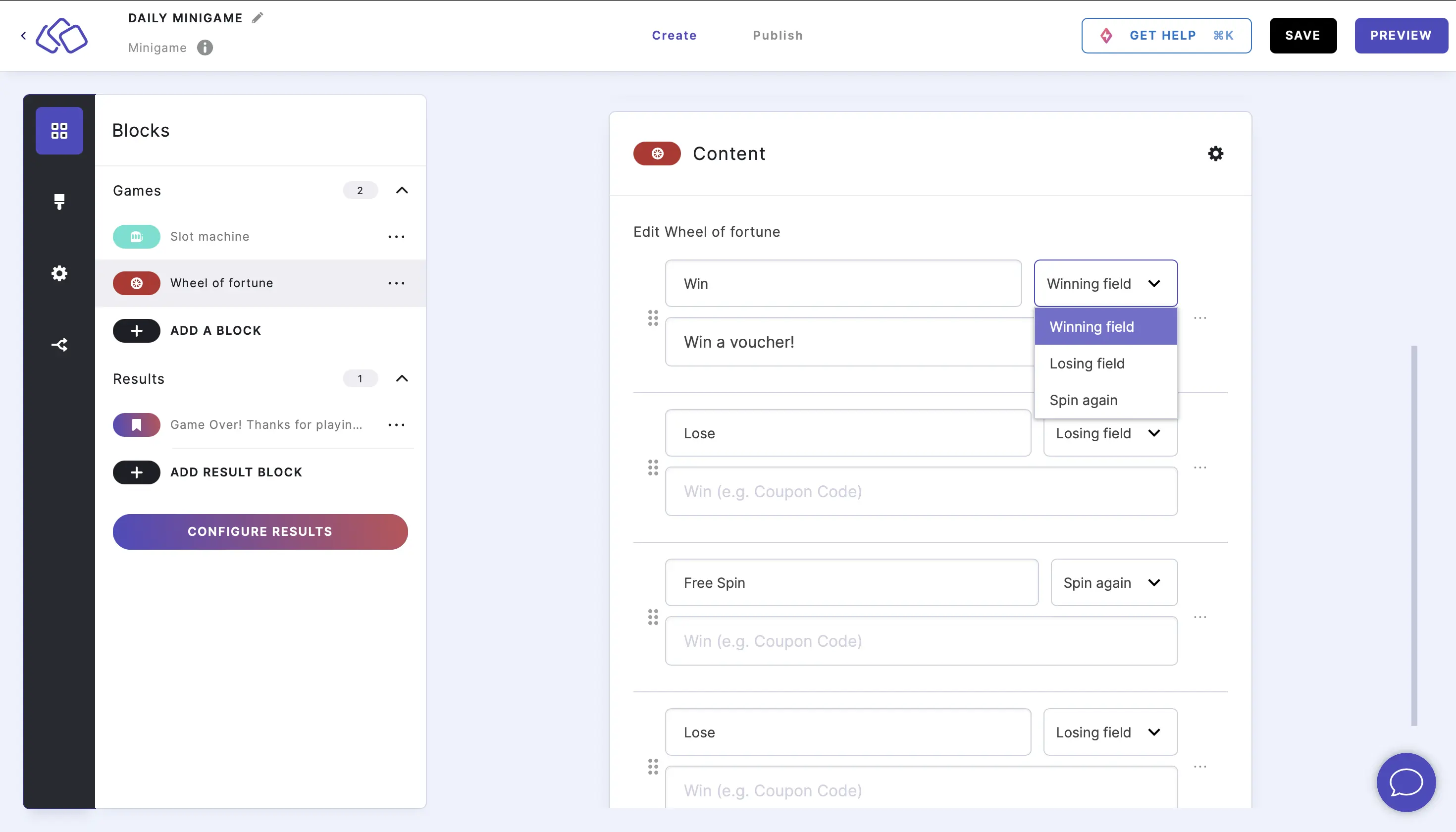
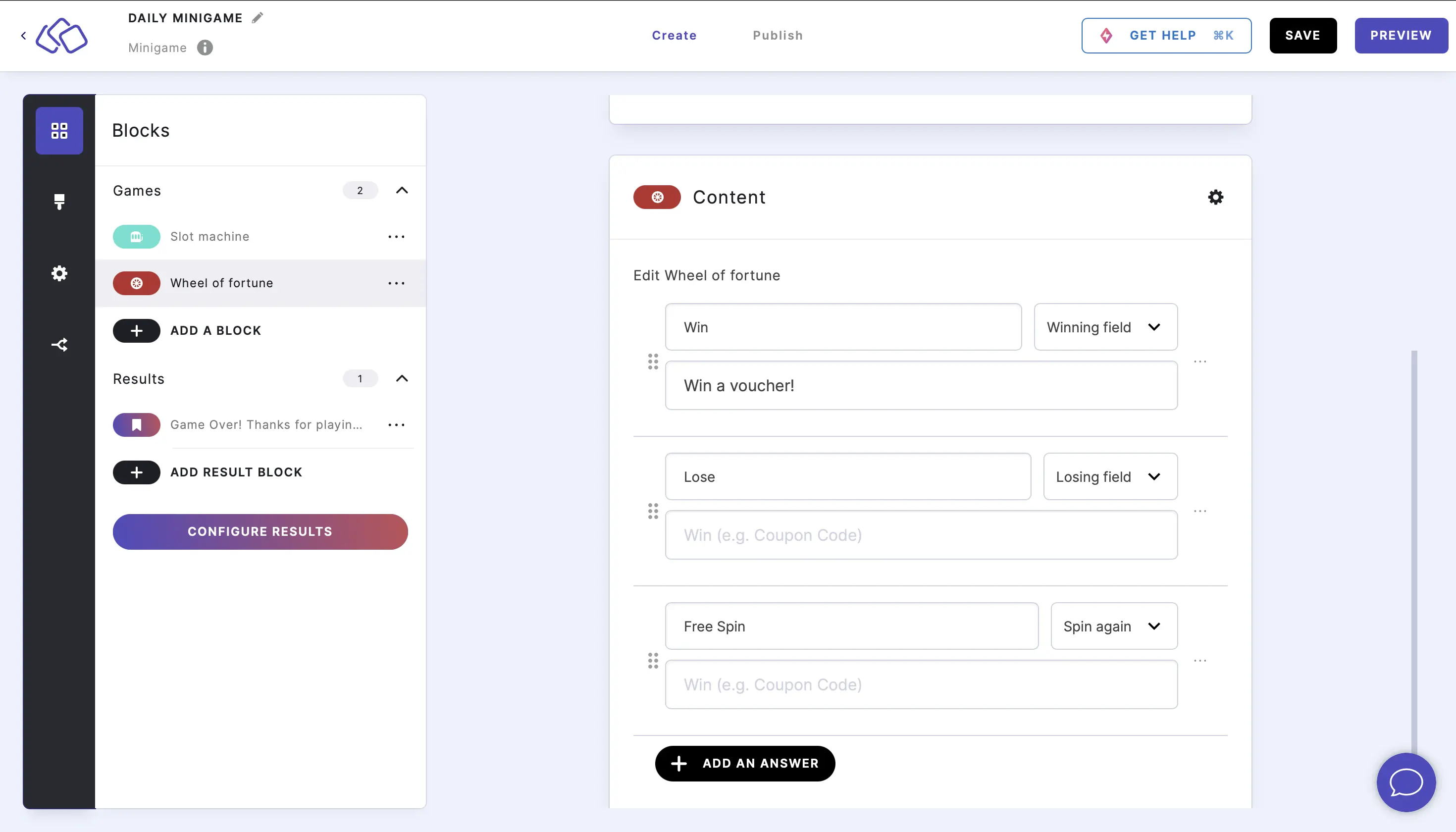
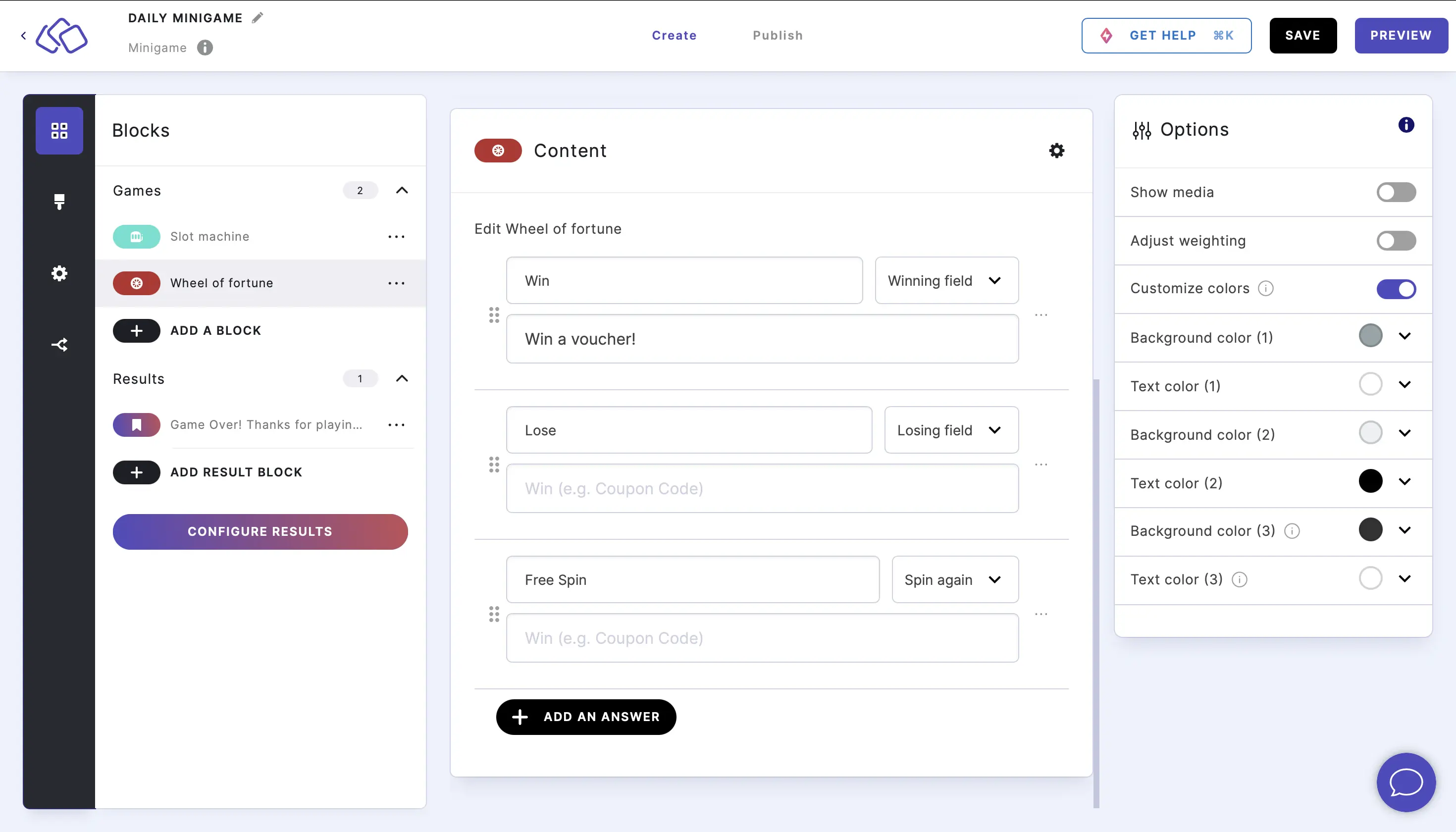
- Under Content, edit or add the title and description for each wheel segment, and select a rule from the dropdown menu: Winning field, Losing field, or Spin again.
- To add a wheel segment, click on ADD AN ANSWER.
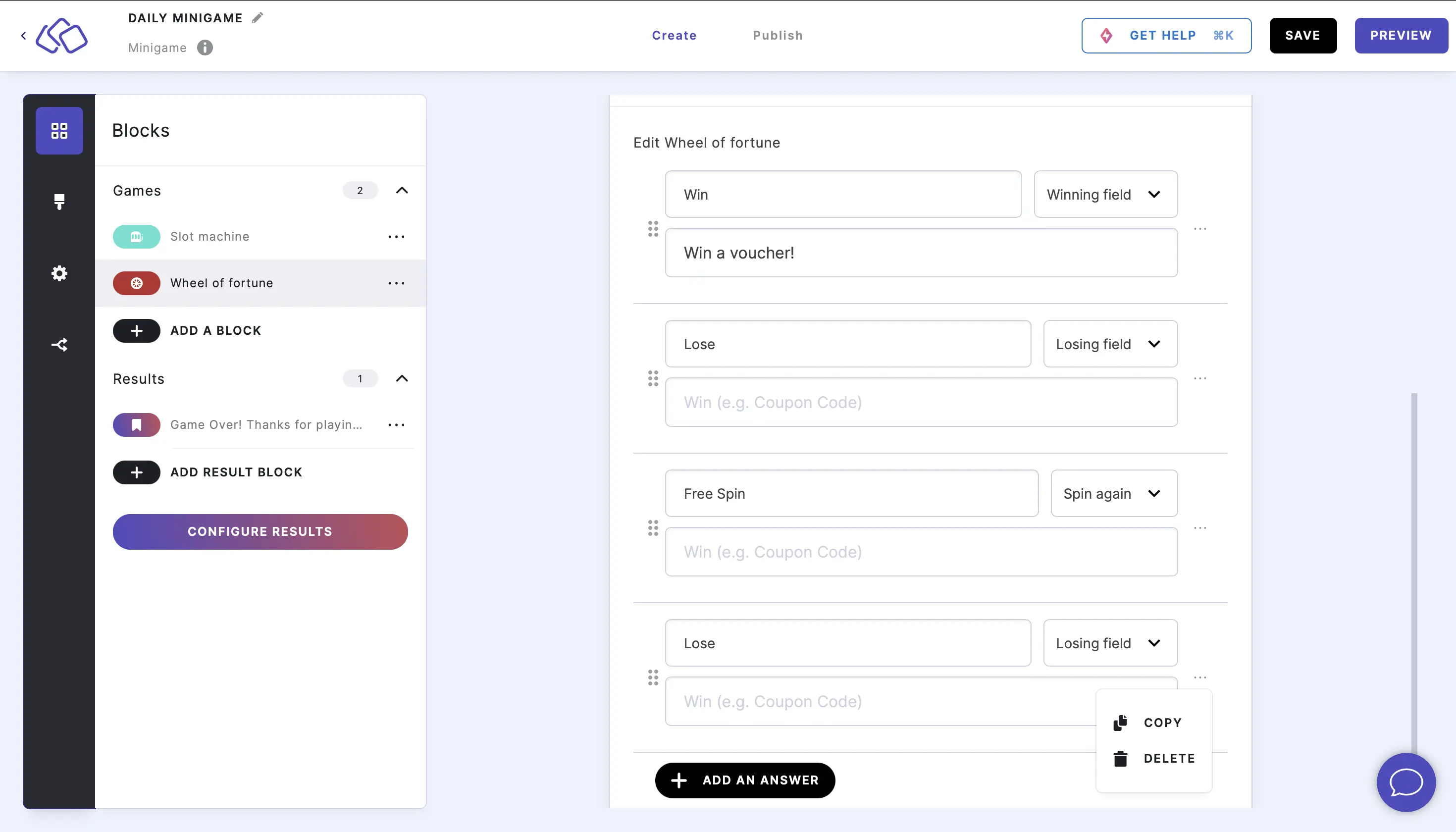
- To copy or delete a wheel segment, click on the three dots on the right of any element and click on COPY or DELETE.
Options
Click on the options icon on the right to configure the following settings.
| Option | Description | Default |
|---|---|---|
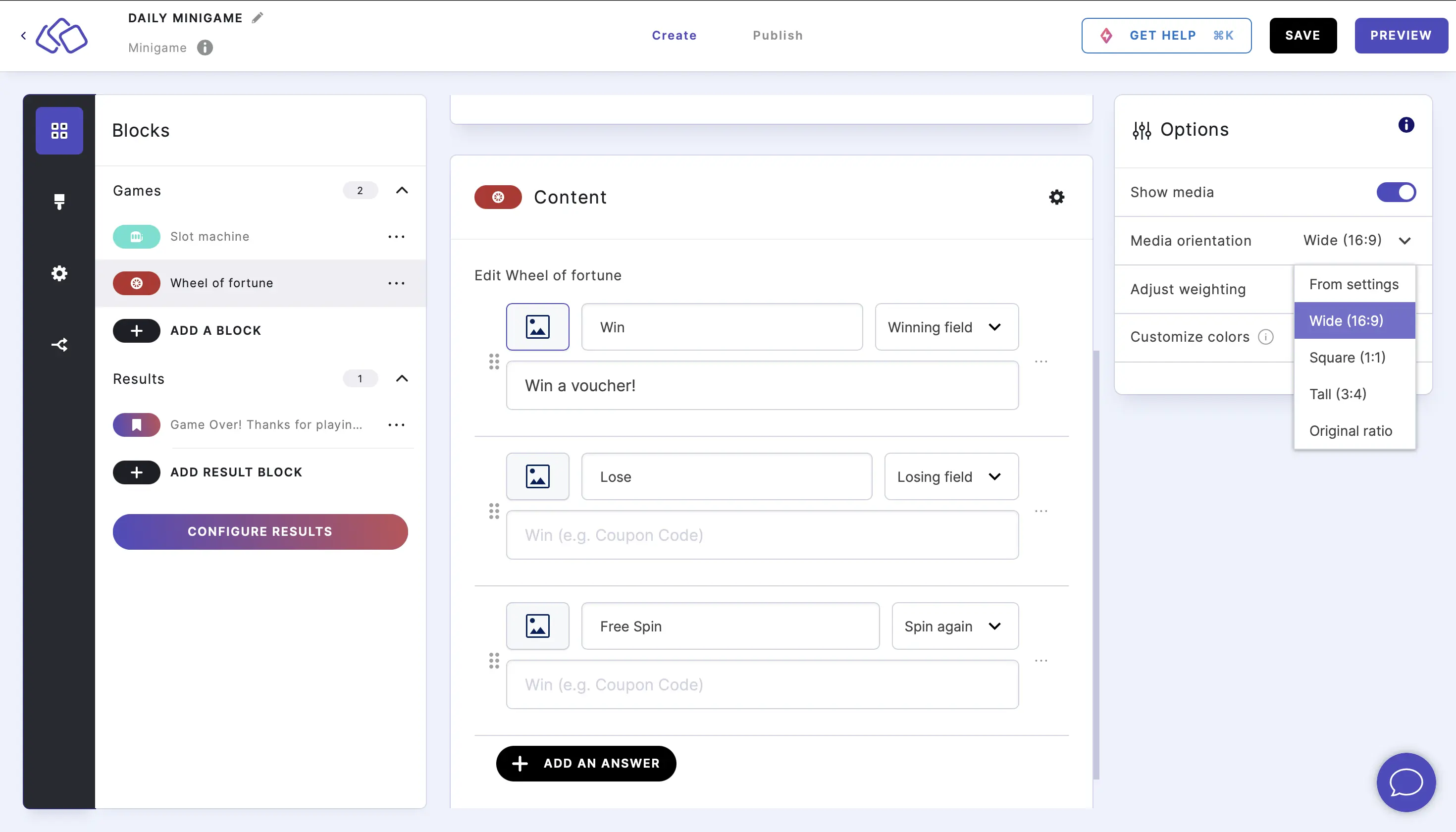
| Show media | Toggle to show or hide media on each wheel segment. When enabled, click on the media icon to the left of a segment and select your media type and upload method. Select a media orientation. | OFF |
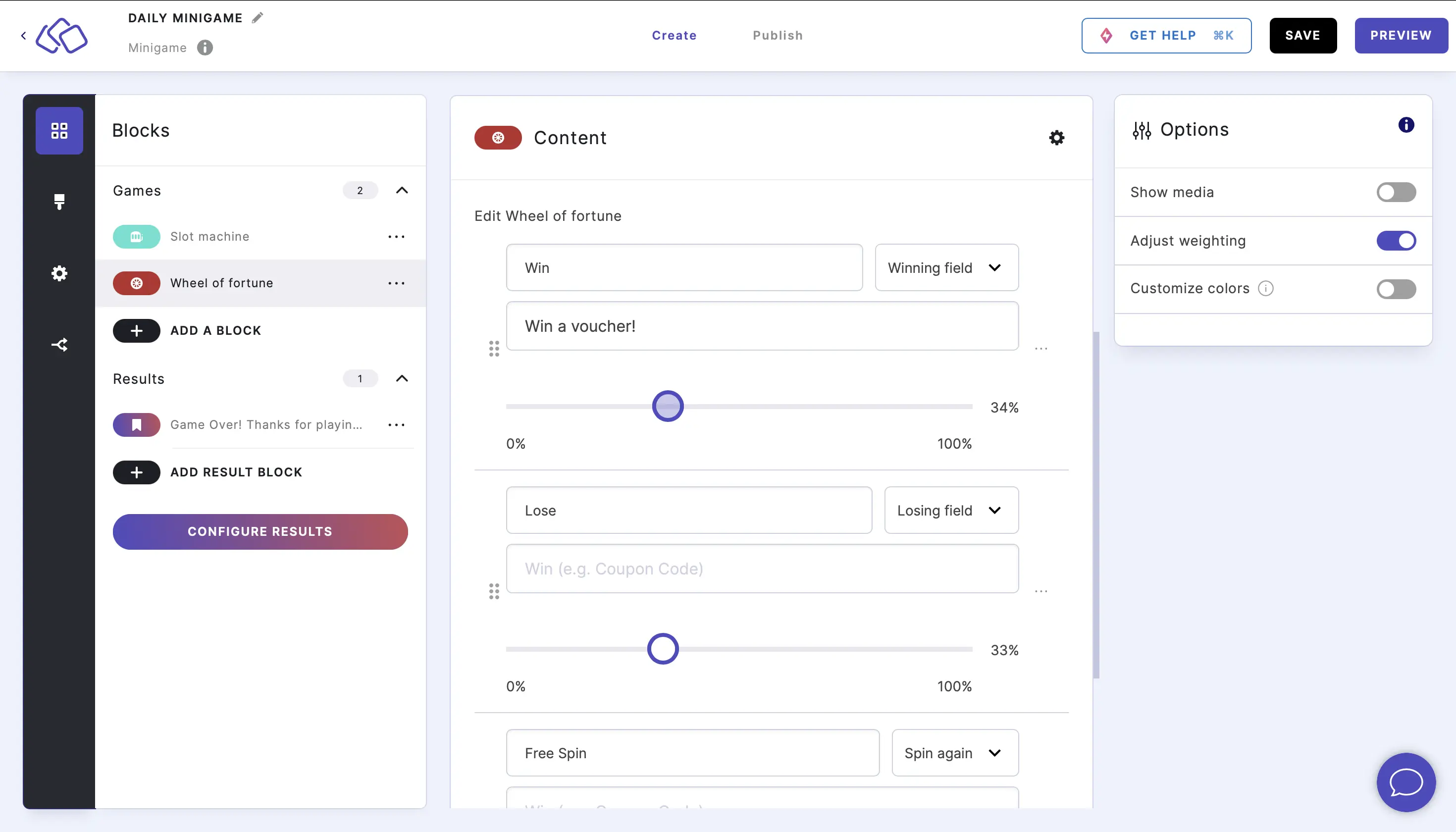
| Adjust weighting | Adjust the percentage of the wheel for any given segment using sliders. The sum of all adjusted weights must be 100 per cent. | OFF |
| 'Copy to clipboard' button for wins | Show a button that lets winners easily copy a coupon code or prize text to their clipboard. | ON |
| Show icons for Win, Lose, Free Spin | Display icons next to the segment labels indicating their type. | OFF |
| Customize colors | Select text and background colors for the wheel segments. There are three background colors and three text colors that alternate across the segments. | OFF |
Adding media to wheel segments
To add an image to each wheel segment, click on the options icon, enable Show media, and then click on the media icon to the left of a segment to select your media type and upload method. Select a media orientation.
Adjusting weighting
To adjust weighting, click on the options icon, enable Adjust weighting, and then use the slider to change the percentage of the wheel for any given segment. The sum of the adjusted weights must be 100 per cent.
Customizing colors
To change colors, click on the options icon, enable Customize colors, and in the list that appears, select text and background colors. There are three background colors and three text colors.
Add raffle mechanics
- In the Winning field segments, you can add coupon codes. If you want your audience to easily copy them to their clipboard, go to options and enable 'Copy to clipboard' button for wins.
- If you want to show different next blocks for winners and losers, you can do so in the branching logic and select the branching type answer.