

Shuffle answers
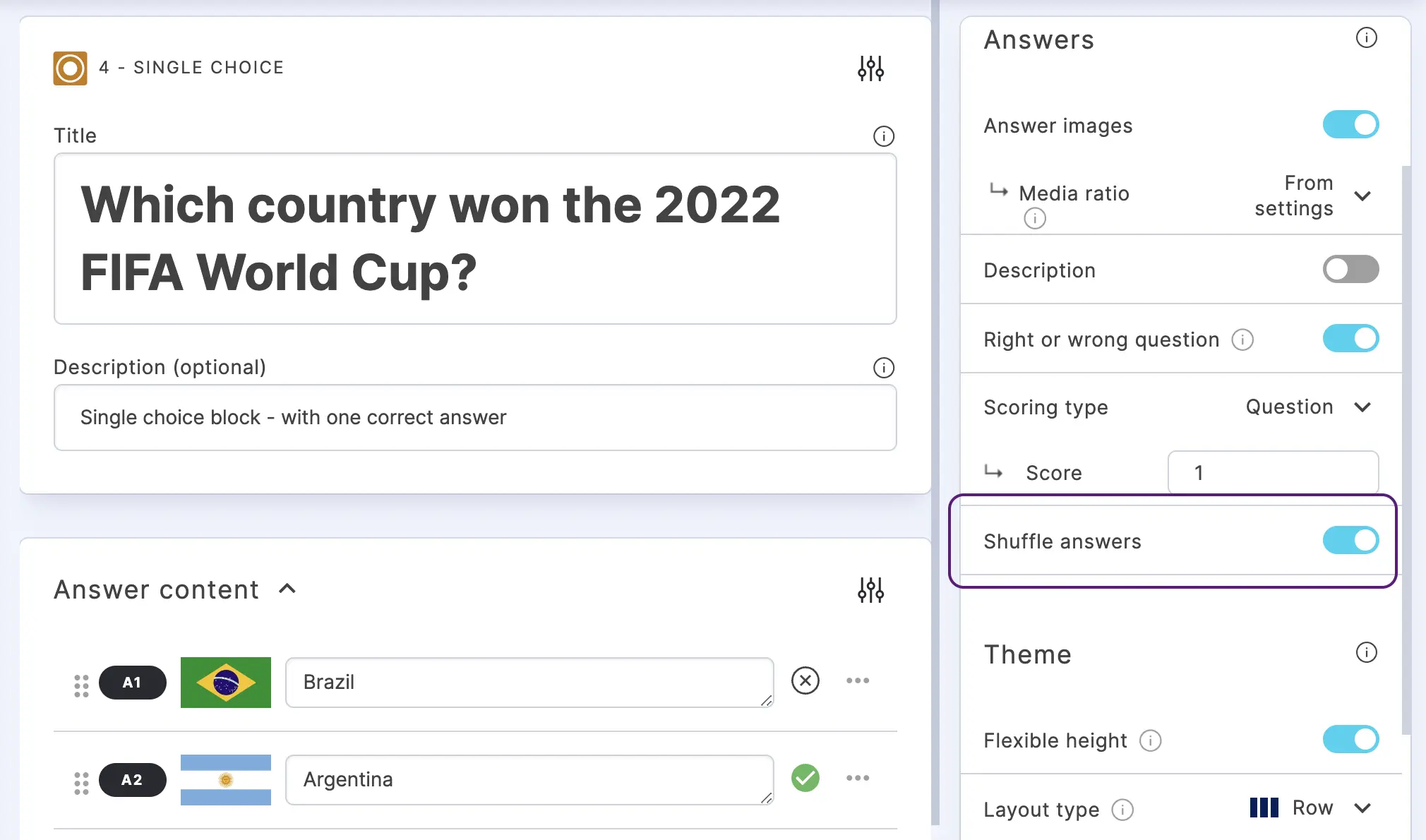
Randomize the answer order for each user so every participant sees choices in a different sequence. This prevents users from sharing answer positions (e.g. "the correct answer is always the third one") and is recommended for any competitive quiz or graded assessment.
- Go to the CREATE section.
- Click on the Settings icon on the right of ANSWER CONTENT.
- Under ANSWERS, enable Shuffle answers.