

Promoter Score
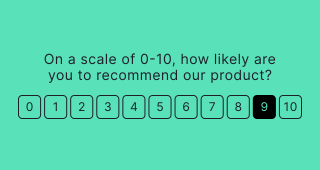
Ask your audience how likely they are to recommend your product or service using a standard 0-10 NPS (Net Promoter Score) scale. The fixed scale automatically categorizes respondents as Detractors (0-6), Passives (7-8), or Promoters (9-10).
Setup
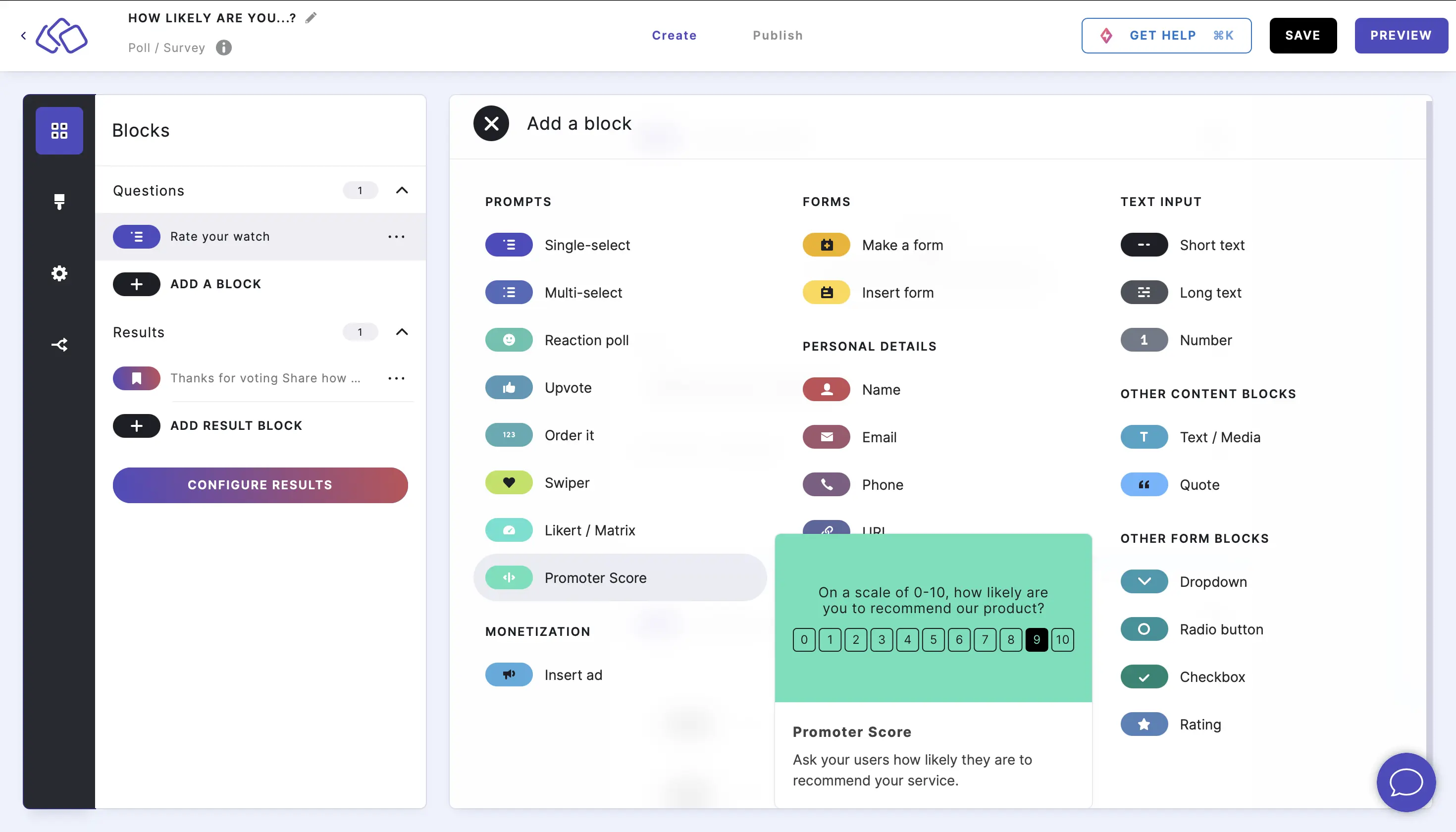
- Click on ADD A BLOCK and select Promoter Score.
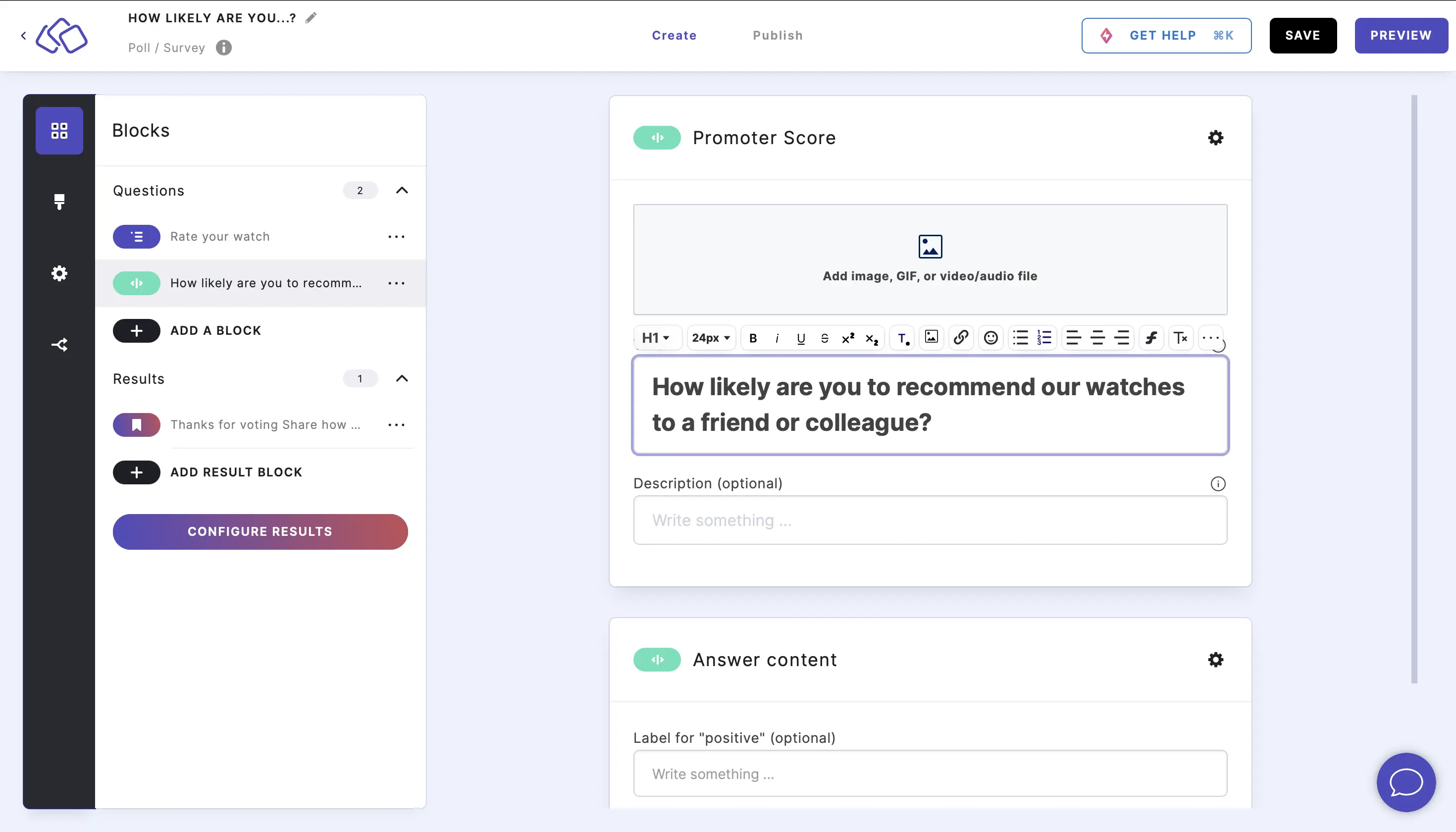
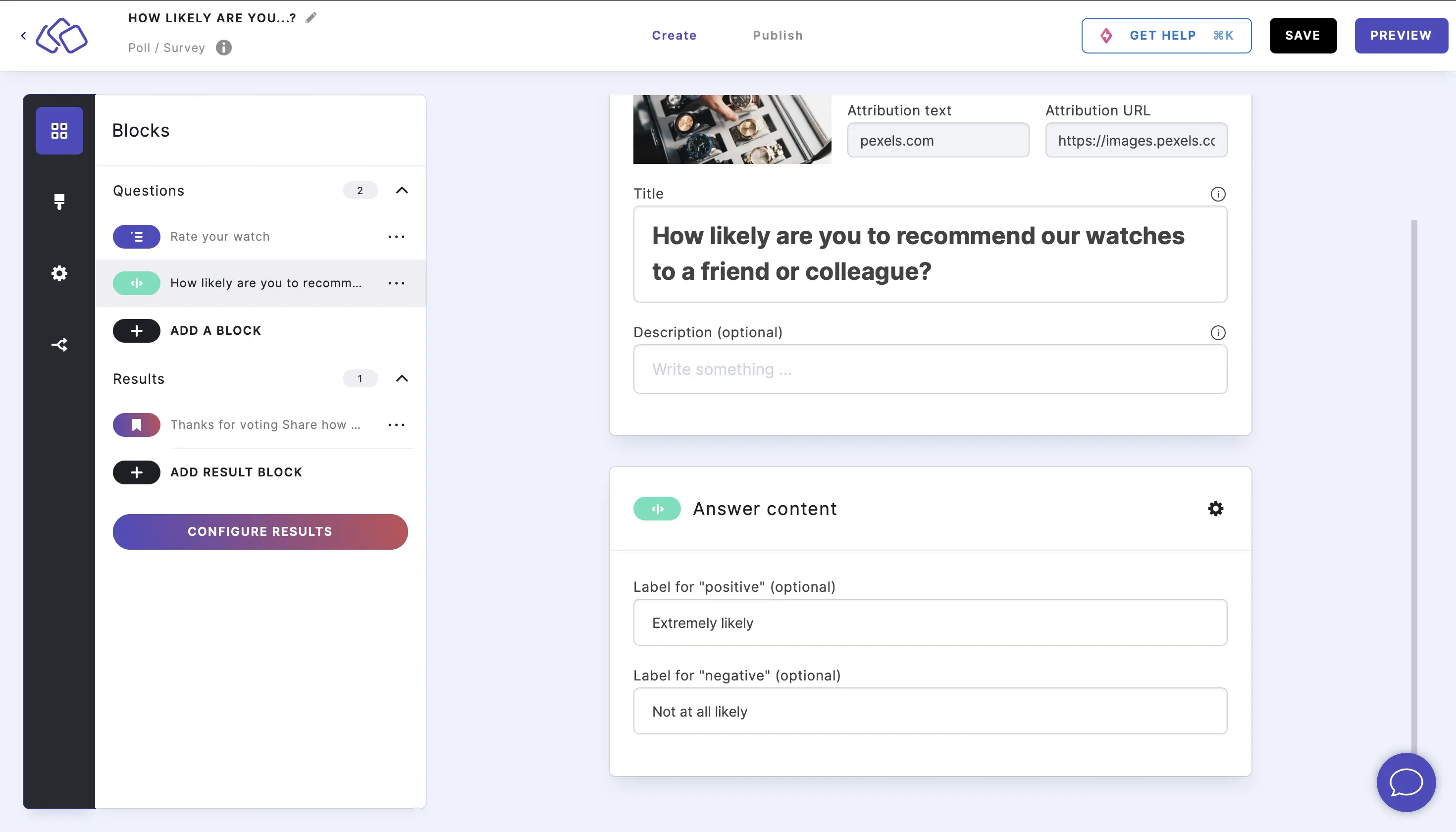
- Type a question or text into the Title field.
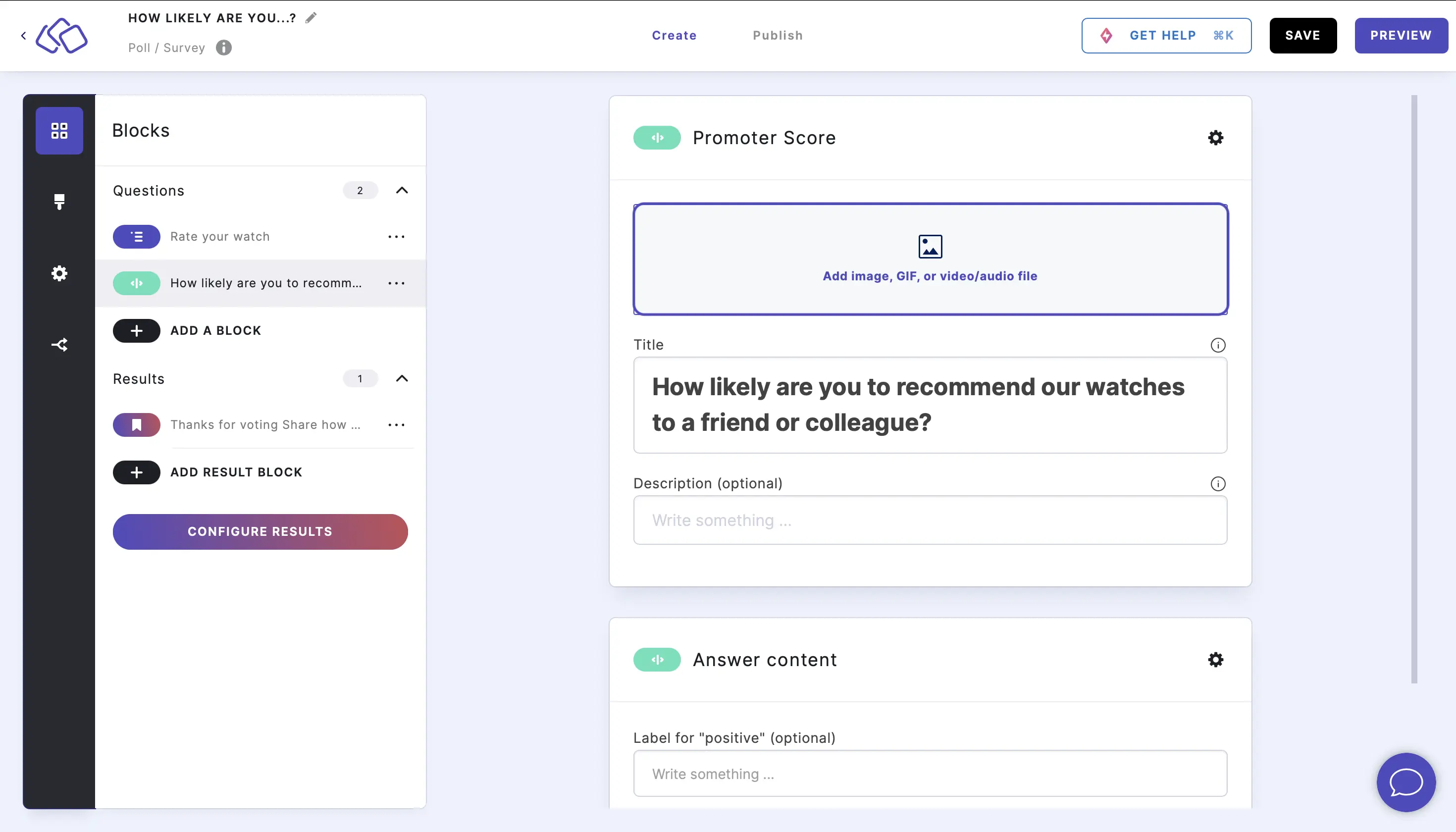
- Add an image by clicking on Add image, GIF, or video/audio file.
- Edit the Labels for "positive"/"negative" under Answer content (optional). The default labels are "positive" and "negative".
- Analyze your Promoter Scores.
Options
Click on the options icon on the right to configure the following settings.
The Promoter Score block has a minimal set of options because the 0-10 NPS scale is fixed and cannot be modified.
Media
| Option | Description | Default |
|---|---|---|
| Show media | Toggle to show or hide the block's main image. | ON |
| Media ratio | Choose the aspect ratio: From settings, Wide 16:9, Square 1:1, Tall 3:4, or Original ratio. | From settings |
Required
| Option | Description | Default |
|---|---|---|
| Required | When enabled, your audience must answer this block before proceeding. When disabled, a "Skip" button appears. | ON |
Related articles: