Quiz blocks overview
There are 10 quiz blocks you can add to your quiz. You can combine multiple block types in a single quiz.
Single-select
Ask a question and let your audience select just one answer.
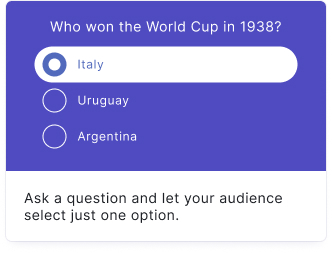
Learn more about the Single-select block
Multi-select
Ask a question and let your audience select one or more answers.
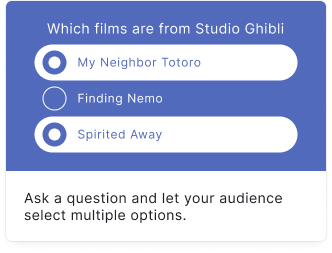
Learn more about the Multi-select block
Tap and find
Upload an image and let your audience find the hidden hotspots.
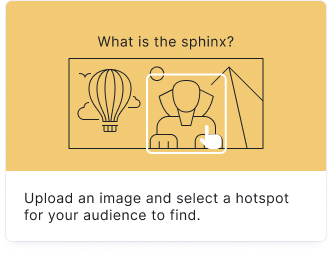
Learn more about the Tap and find block
Order it
Let your audience put items in the correct order.
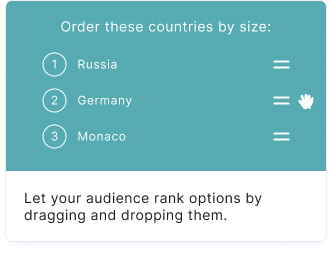
Learn more about the Order it block
Type the answer
Ask a question and let your audience type the answer in a free text box.
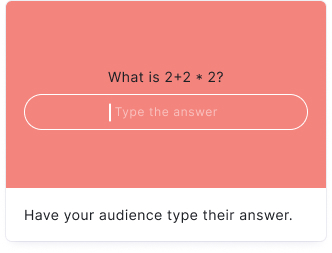
Learn more about the Type the answer block
Spot the difference
Upload two images and let your audience find the differences between them.
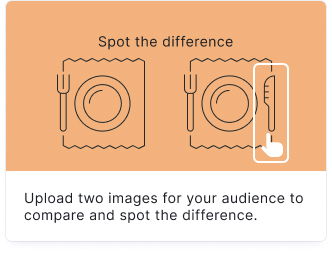
Learn more about the Spot the difference block
Flashcard
Encourage self-directed learning with interactive flashcards.
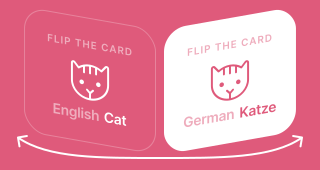
Learn more about the Flashcard block
Typerush
Ask a categorical question and let your audience type as many answers as they can.
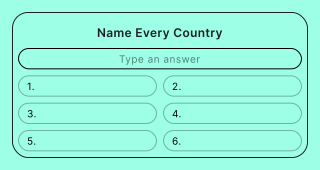
Learn more about the Typerush block
Guess it
Your audience guesses a person, place, or thing from a blurred image and clues.
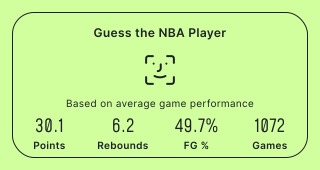
Learn more about the Guess it block
Question Bank
Automatically show a random selection of questions from a pre-built database.